A multi-agent team inbox for WhatsApp Business App and WhatsApp API
WhatsApp Business App isn’t built for growing teams. Unlock expanded multiuser capabilities, advanced automation, AI and more by connecting WhatsApp Business App or WhatsApp API to AELYST.

WhatsApp Business App vs WhatsApp Business API: Which is best for multiple users?
WhatsApp API + existing CRM
Limited Native WhatsApp integration
No WhatsApp calls, video previews or voice note playback
Limited
Media files must be downloaded separately
Restricted to a single CRM
Limited Omnichannel messaging
WhatsApp API (AELYST)
Unlimited Potentials
Covers key WhatsApp features like calls and broadcasts
Advanced AI and automation
Media playback directly in inbox
Integrates seamlessly with multiple CRMs
Unlimited Omnichannel messaging
Use cases
Optimize full customer journeys over WhatsApp API and other channels
Marketing
Sales
Customer service
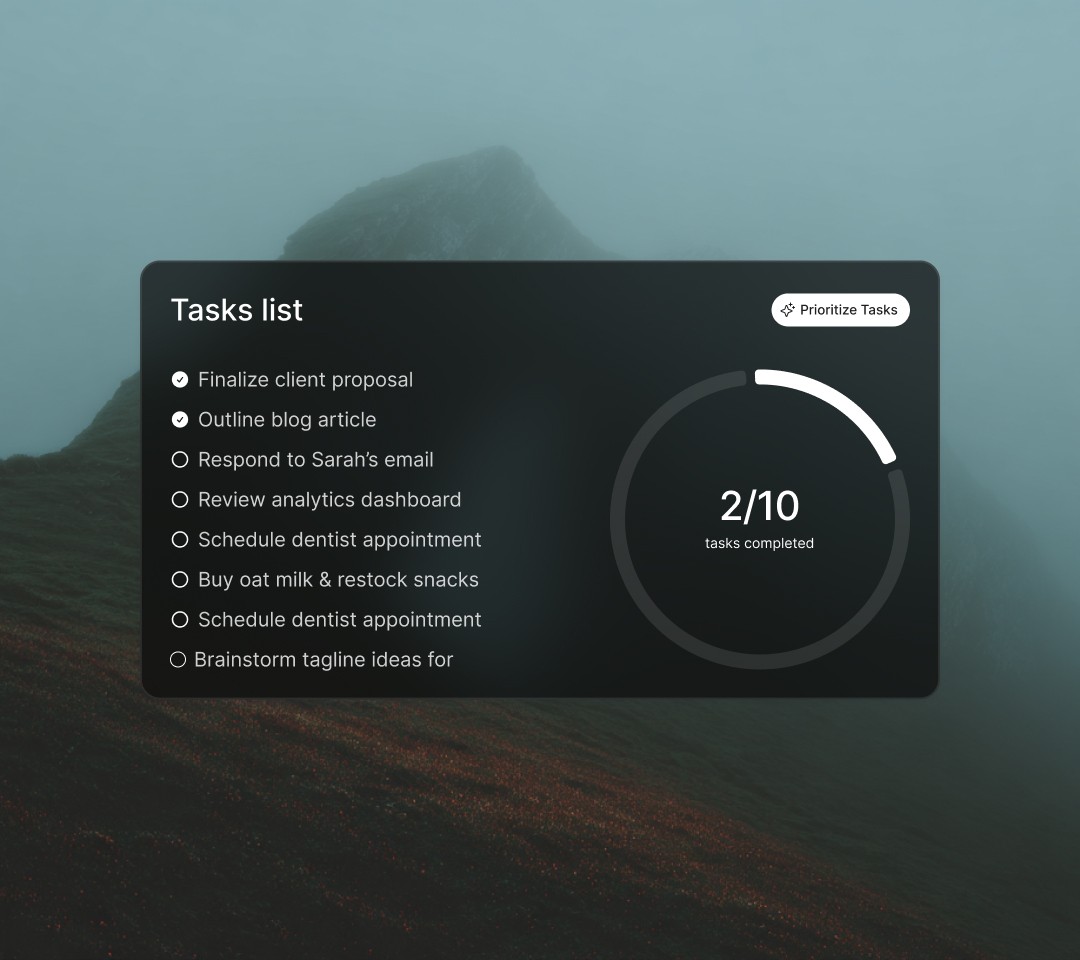
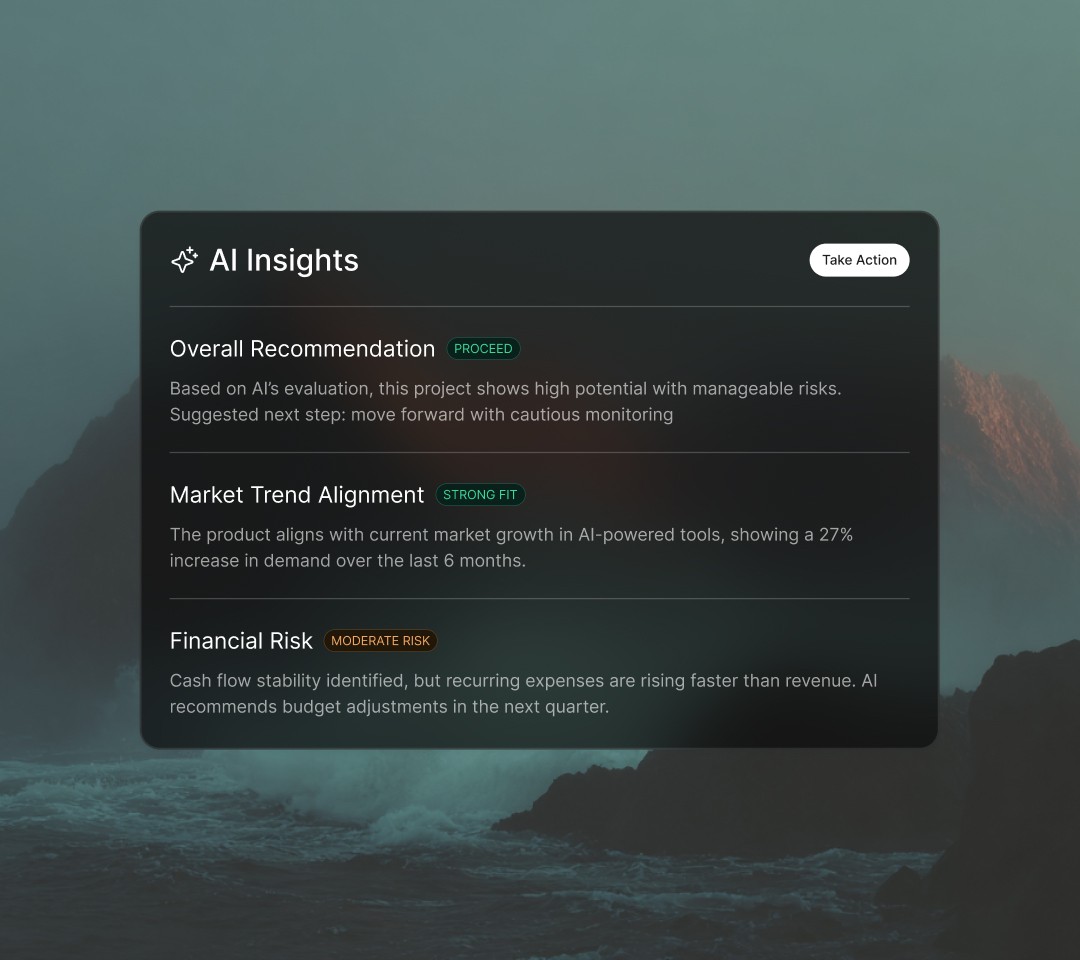
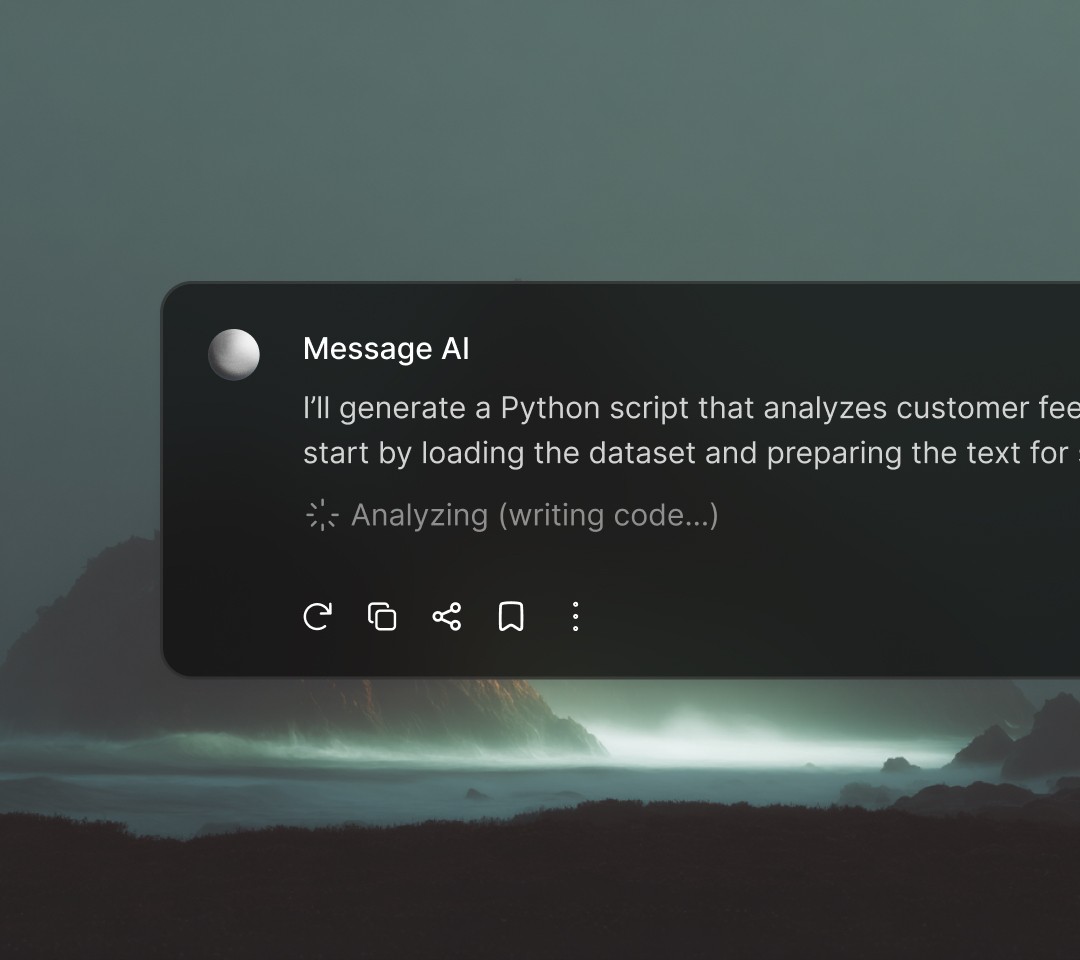
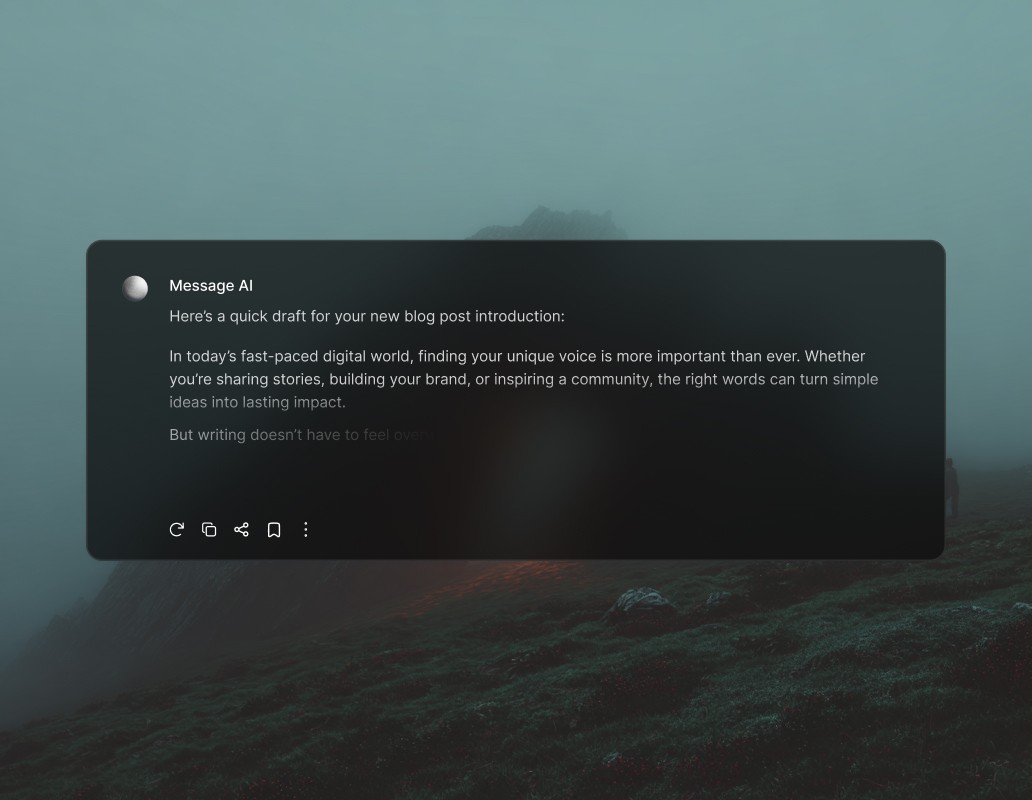
Attract leads with QR codes, chat links and website widgets
Run click-to-WhatsApp ads on Facebook and Instagram
Sync contact details into your CRM for easy segmentation
Send broadcasts, push notifications and catalogs to re-engage leads
Secure and organize conversations with role-based access
AELYST offers comprehensive team permission features to enhance collaboration and security within your teams.
Research anything...
Research
Software & App Industry
UX & UI Design Industry
High Converting Customer
Define approved message types
Control whether agents can send media, audio, location and contact cards to align with your business standards.
Code
1
2
3
4
5
Control contacts access and editing
Determine which agents can view, edit and create contacts to safeguard sensitive customer information.
Hide contacts' numbers from agents
Decide whether agents can see your contacts' phone numbers for better privacy and security.
Cost Management
Payment reminder
Employee Tracking
Social media post
Restrict reading and replying to chats
Define which categories of chats agents can handle so conversations are managed by appropriate team members.
Limit actions that can be taken on chats
Specify who can assign, reassign, resolve, delete, block or export contacts.
Set up WhatsApp Business multiple users in 3 steps
The only thing you need is a computer or cellphone for each agent. The onboarding process is quick and simple and does not require help from a developer. Anyone could do it.
1. Sign up for a respond.io account
You can start with a free trial before switching to your ideal plan.
2. Connect the WhatsApp Business API or the WhatsApp Business App
We’ll guide you step by step either way.
3. Add users to your AELYST Workspace
Arrange them into different teams, manage their restrictions and start boosting agent productivity.
Frequently asked questions
What types of businesses can use Aelyst?
Can 1 AI handle more than 1 business?
Can Aelyst be integrated with other systems?
Can the AI understand regional languages and slang?
Can the AI handle many chats at the same time?
How far can the AI help our business?
Can the AI be handed off to a human agent?
How is the AI trained?
How is our business data kept secure?
What is Aelyst's pricing model?
How much does Aelyst cost?
How do I sign up?
How long does setup take before going live?
Real success stories from customers