WhatsApp CRM integration?
You’re looking at it
WhatsApp is where the conversation starts. Your CRM is where customer data lives. Respond.io brings them together in one connected workspace.

Why integrate WhatsApp with a CRM?
Your customers live on WhatsApp. Your customer data lives in your CRM. When the two talk to each other, things get done faster, smarter and with less mess.
Qualify leads instantly
Automatically identify and prioritize high-intent leads through automated questions and smart workflows.
Re-engage inactive contacts
Reach out to dormant leads with personalized WhatsApp messages and offers.
Centralize customer conversations
Manage WhatsApp chats, calls, voice notes and media files directly within your CRM.
Omnichannel interactions
Talk to customers on WhatsApp, Instagram, Messenger, TikTok and more all from one place.
What is a WhatsApp CRM?
A WhatsApp CRM integration connects the WhatsApp Business Platform (API) to your CRM or messaging platform. It helps your team manage chats, automate workflows and keep customer records updated without switching tools.
There are two ways to set this up:
1. Add WhatsApp messaging directly to your CRM
2. Connect your CRM to a messaging platform like AELYST
While AELYST has native lead management features, it’s not a full-fledged CRM — it’s a CRM complement. Instead of replacing the system where your data lives, respond.io adds tools CRMs like HubSpot, Salesforce and others lack: an omnichannel inbox, advanced automation and AI, VoIP support and more.
What can I help with?
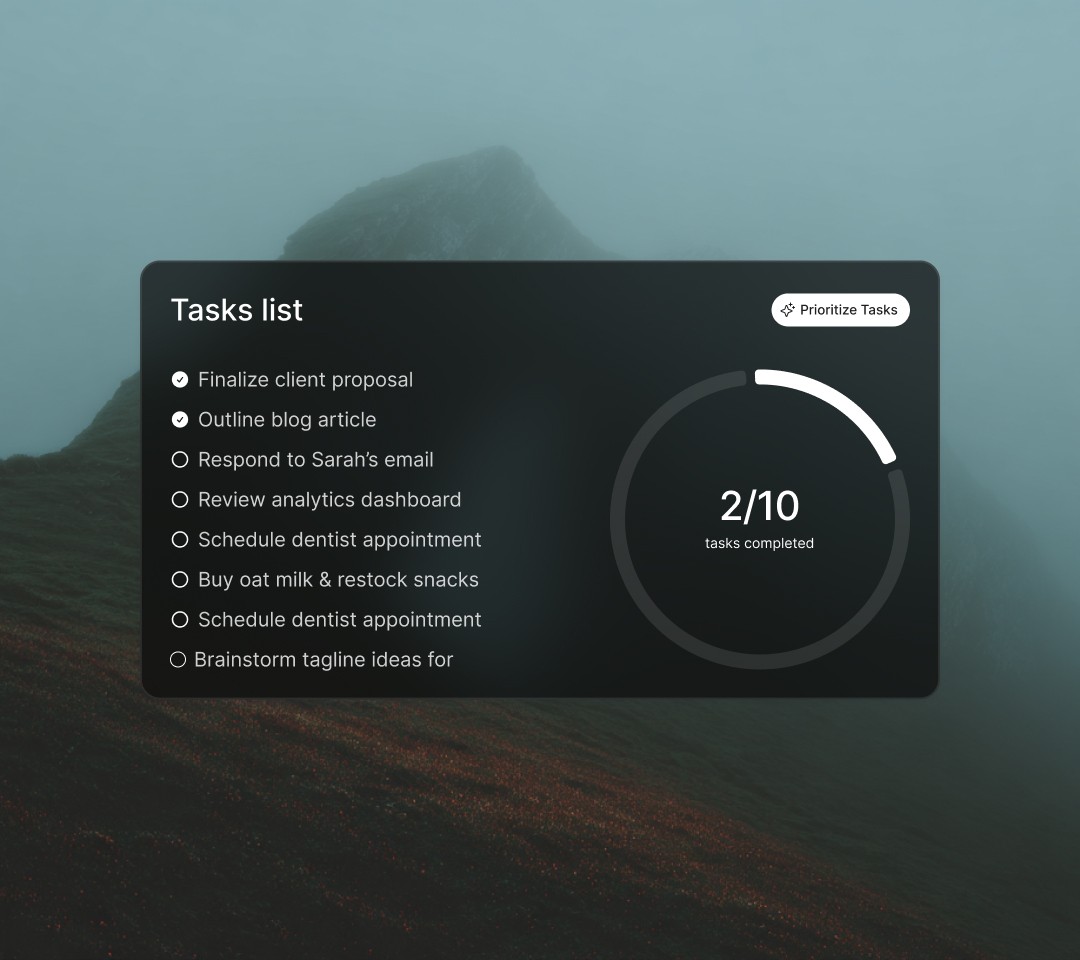
Weather you want help in customer handling or make changes in your system just give me command
Add document
Analyze
Generate Image
research
Two ways to integrate WhatsApp with a CRM
WhatsApp API + existing CRM
Limited Native WhatsApp integration
No WhatsApp calls, video previews or voice note playback
Limited
Media files must be downloaded separately
Restricted to a single CRM
Limited Omnichannel messaging
WhatsApp API (AELYST)
Unlimited Potentials
Covers key WhatsApp features like calls and broadcasts
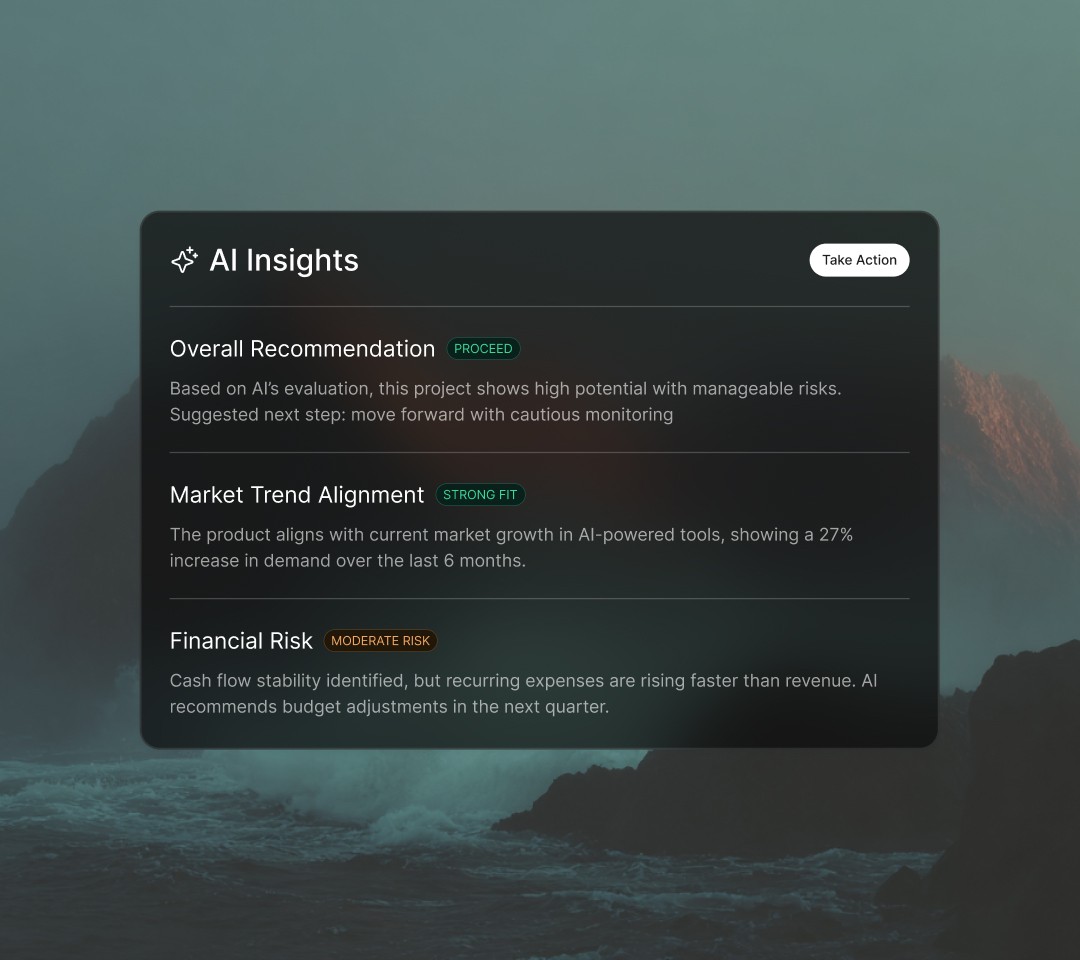
Advanced AI and automation
Media playback directly in inbox
Integrates seamlessly with multiple CRMs
Unlimited Omnichannel messaging
WhatsApp API bulk messaging: Rules and best practices
Allowed use cases
Marketing: Promotions, product updates and re-engagement
Utility: Order confirmations or event reminders
Authentication: Secure authentication via OTPs or 2FAs
Prohibited activities
Create a AELYST account.
Free-text bulk messages (must use templates)
Mass blasting non-segmented lists
What to look for in a WhatsApp CRM
WhatsApp API access
Quickly and securely connect WhatsApp through official providers like AELYST. Enjoy smoother approvals and immediate messaging capabilities.
Integration support
From Hubspot to Salesforce, connect your CRM with e-commerce platforms, business tools and messaging channels. Centralize customer data and organize leads across your sales pipeline.

Automation
Automate lead qualification, responses and follow-ups effortlessly. Ensure your team focuses only on conversations that truly matter.

Data security
Protect customer data with encryption and ensure compliance with top privacy standards. Trust your CRM with sensitive customer information.
Detailed analytics
Protect customer data with encryption and ensure compliance with top privacy standards. Trust your CRM with sensitive customer information.
Why choose AELYST for WhatsApp CRM integration
Marketing
Sales
Customer service
Attract leads with QR codes, chat links and website widgets
Run click-to-WhatsApp ads on Facebook and Instagram
Sync contact details into your CRM for easy segmentation
Send broadcasts, push notifications and catalogs to re-engage leads
How to set up your WhatsApp CRM with AELYST in 3 steps
Getting started isn’t complicated. With AELYST, everything is built to be fast and straightforward.
Research anything...
Research
Software & App Industry
UX & UI Design Industry
High Converting Customer
Step 1: Create or connect a WhatsApp API Account
Sign up for your official WhatsApp Business API account quickly through AELYST—no need to apply through Meta separately as AELYST is a WhatsApp Business Solution Provider (BSP).
Code
1
2
3
4
5
Step 2: Connect your CRM
Use one of three methods to link your CRM to AELYST: • Native integration with CRMs like HubSpot or Salesforce • Third-party automation via Zapier or Make • Custom API workflows using HTTP request steps
Step 3: Sync your data
Your contacts, messages and lead stages stay in sync automatically. No spreadsheets. No copy-pasting.
Frequently asked questions
What types of businesses can use Aelyst?
Can 1 AI handle more than 1 business?
Can Aelyst be integrated with other systems?
Can the AI understand regional languages and slang?
Can the AI handle many chats at the same time?
How far can the AI help our business?
Can the AI be handed off to a human agent?
How is the AI trained?
How is our business data kept secure?
What is Aelyst's pricing model?
How much does Aelyst cost?
How do I sign up?
How long does setup take before going live?
Real success stories from customers